
A friend who works in international trade built his site and paid a significant amount. After a year with little traffic, he planned to cancel the renewal. Because the code and database are fully controlled by the vendor, all the content would be lost once he stopped paying. I suggested downloading the whole site locally, since it contains all his carefully prepared images, PDFs, and copy.
That raises the question: saving a single page or image is easy—how do you copy or back up the entire site, including images, PDFs, and all assets?
Taking a detour with a paid scraper
I first hired a freelancer on a marketplace like Fiverr to crawl the site with Python. The result was disappointing—many pages were missing. So I looked for a way to do a full-site download myself.
How to download a whole site, including images, CSS, JS, and PDFs?
There are two great free tools for downloading local sites: Wget and HTTrack. Both support Mac and Windows.
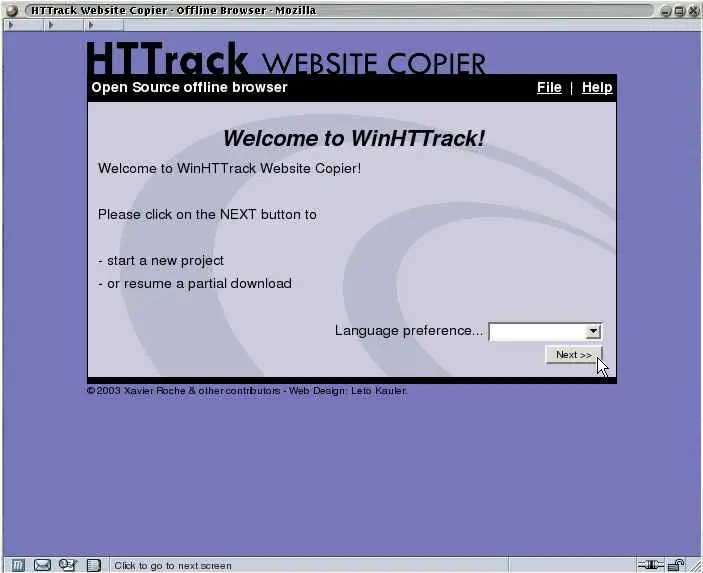
Offline download a website
After testing, HTTrack captured more complete content and fully met the needs of offline reading.
Below are articles that explain the basics—feel free to learn from them. Please respect copyright and only use these tools for your own content, and avoid downloading others’ content without permission. I only use these tools to preserve my own materials.
- https://www.sqlsec.com/2016/10/web.html
- https://learnku.com/articles/42353
- https://www.betterzeno.com/511/
- https://briian.com/48162/
- https://blog.gtwang.org/linux/linux-wget-command-download-web-pages-and-files-tutorial-examples/
If you plan to build a site, there are low-cost WP theme providers. I’ll keep sharing tips on finding cheap domains, shared hosting, and site setup. If you have requests, leave them in the comments, and I can cover them later.